

Platform Guides · Get Started
Creating a Monime Space
Create a Monime Space for your business, choose its name and alias, set a Space PIN, and open your Space dashboard.
A Monime Space is your dedicated business account on the Monime platform. It allows you to accept payments, manage transactions, and oversee your business's financial operations.
Creating Your Space
Method 1: From Your Dashboard
Access Your Dashboard
Log in to your Monimeer Dashboard at my.monime.io
Create New Space
Locate the "Create a space" section and click the New Space button
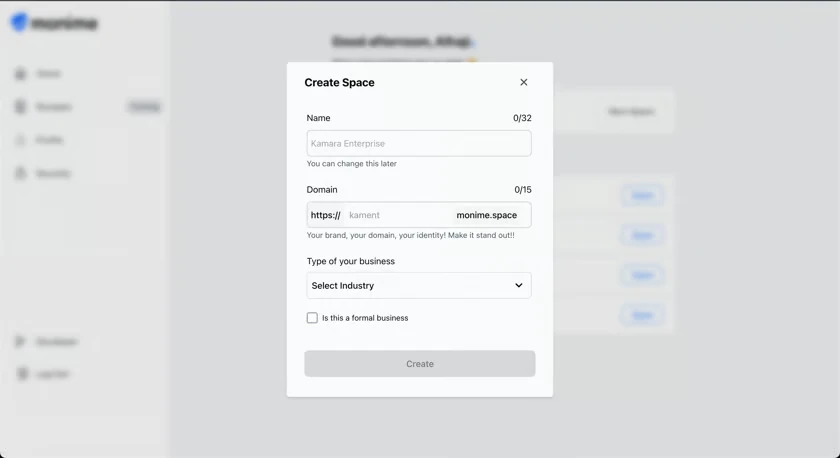
Method 2: Direct Navigation
You can also navigate directly to the Space creation interface by visiting: my.monime.io/space-board
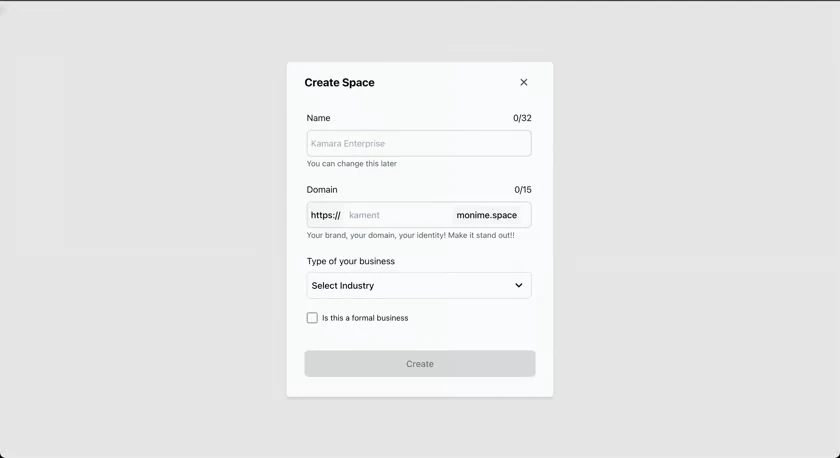
Space Configuration
Fill out the "Create Space" dialog with your business information:
Click the Create button when all fields are completed.
Space Creation Process
After clicking Create, you'll see a loading screen indicating that Monime is setting up your Space.
Setting Your Space PIN
Once your Space is created, you'll be prompted to create a 4-digit PIN for security.
Create Your PIN
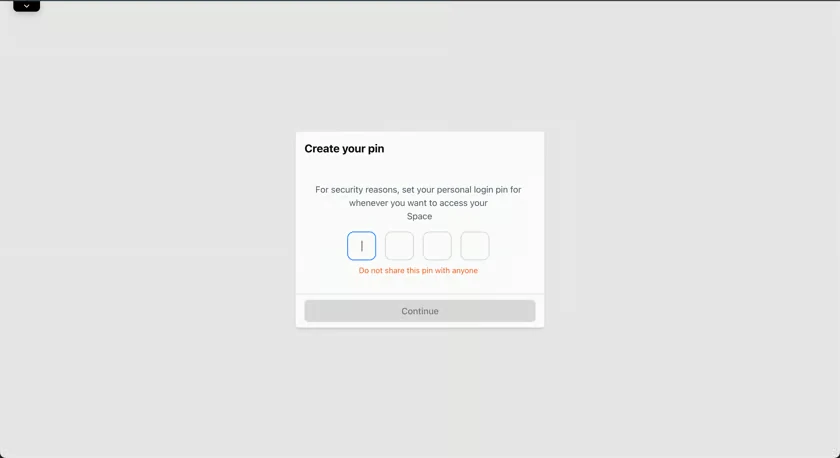
Enter a new 4-digit PIN that you'll remember. This PIN will be used to authorize sensitive actions within your Space.
Confirm Your PIN
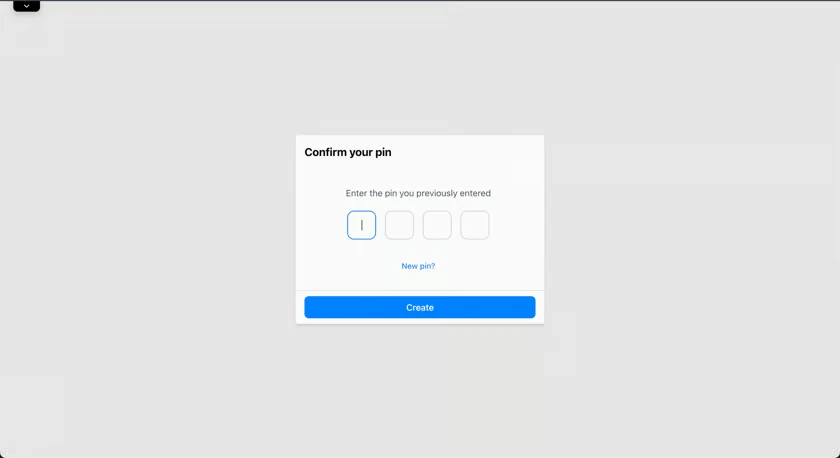
Re-enter the same 4-digit PIN to confirm it and ensure there are no typos.
Accessing Your Space Dashboard
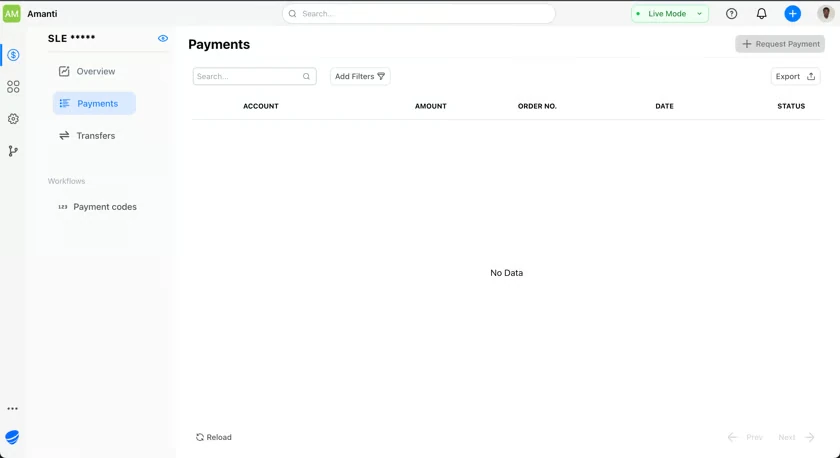
After setting your PIN, you'll be automatically redirected to your new Monime Space dashboard. The URL will incorporate your chosen alias:
https://[your-alias].monime.space
Example: If you chose 'kamara' as your alias, your Space dashboard URL would be https://kamara.monime.space
Space Dashboard Features
From your Space dashboard, you can:
Payment Processing
Set up payment methods and start accepting payments
Transaction Management
View and manage all your business transactions
Settings & Configuration
Configure your Space settings and preferences